overview
Documentation
wflow runs .kdl workflow files on Wayland. wflows is the community library where authors share those files. These docs cover both: how to install and run wflow, how to write KDL workflows, and how the publishing flow works on this site.
If you're brand new
- Install wflow on your machine
- Write your first workflow from a chord that fires a notification
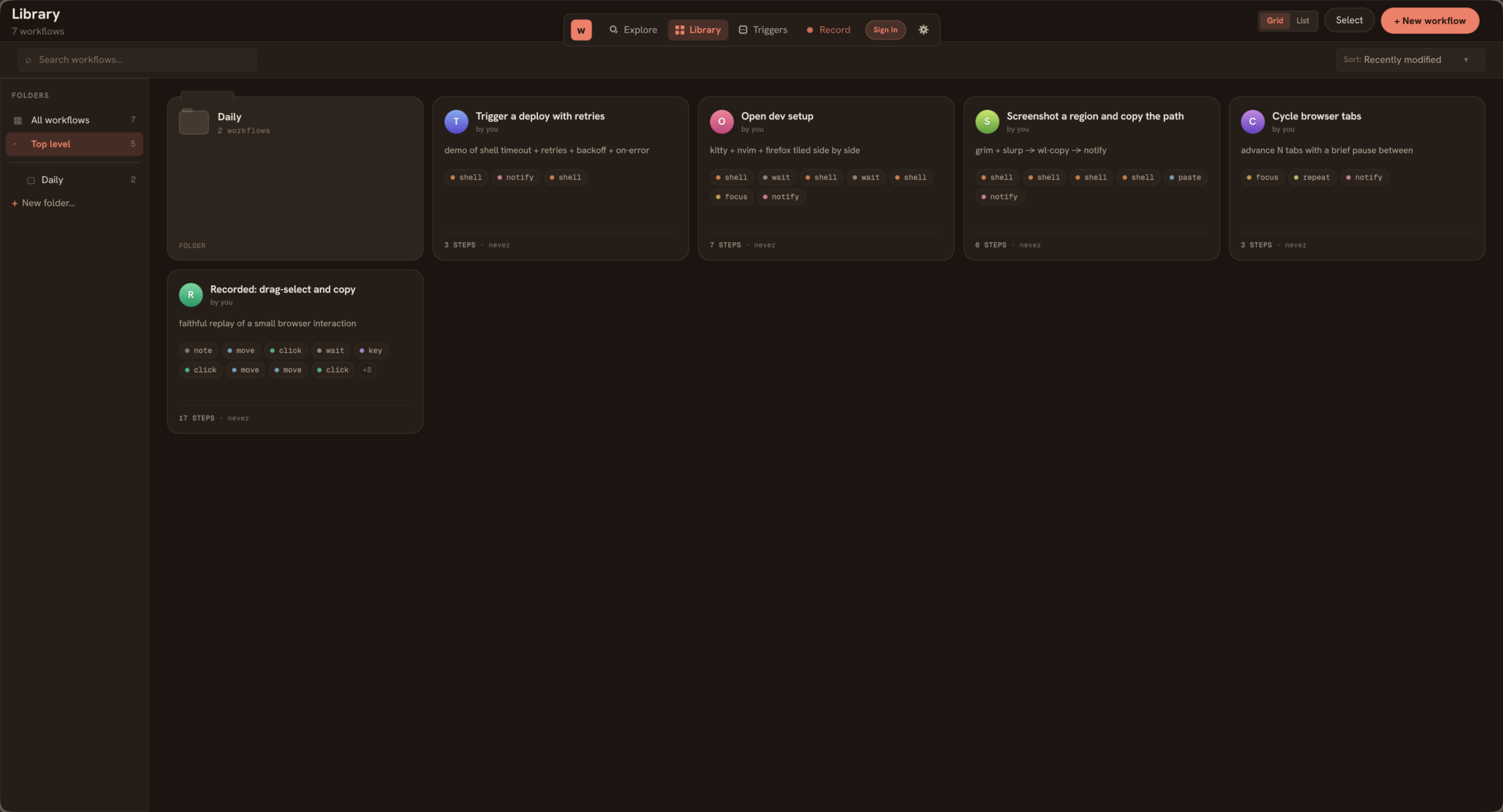
- Browse the library and click Open in wflow on anything that looks useful
If you want to write KDL
- KDL basics, the shape of a workflow file
- Triggers, chord and on-demand, with optional window gating
- Action kinds, every step verb, full prop schema
- Repeat / when / unless, the three block-shaped steps
If you want to publish or build on wflows
- Publishing, how the publish flow works on this site
- Profiles & supporters, what the public profile shows, the supporter mechanic
- v0 API reference, the JSON endpoints powering the desktop app
If something's off
- Troubleshooting, wdotool issues, Wayland compositors, failing chords
- Daemon & systemd, running wflow on boot, log paths, debug output
- Discord for the questions that don't have written answers yet
These docs live on the wflows.io site, not in the wflow GitHub repo. The repo's README is a thin pointer back here. If you find something missing or wrong, open an issue on github.com/cushycush/wflows.com.