kdl language
Triggers
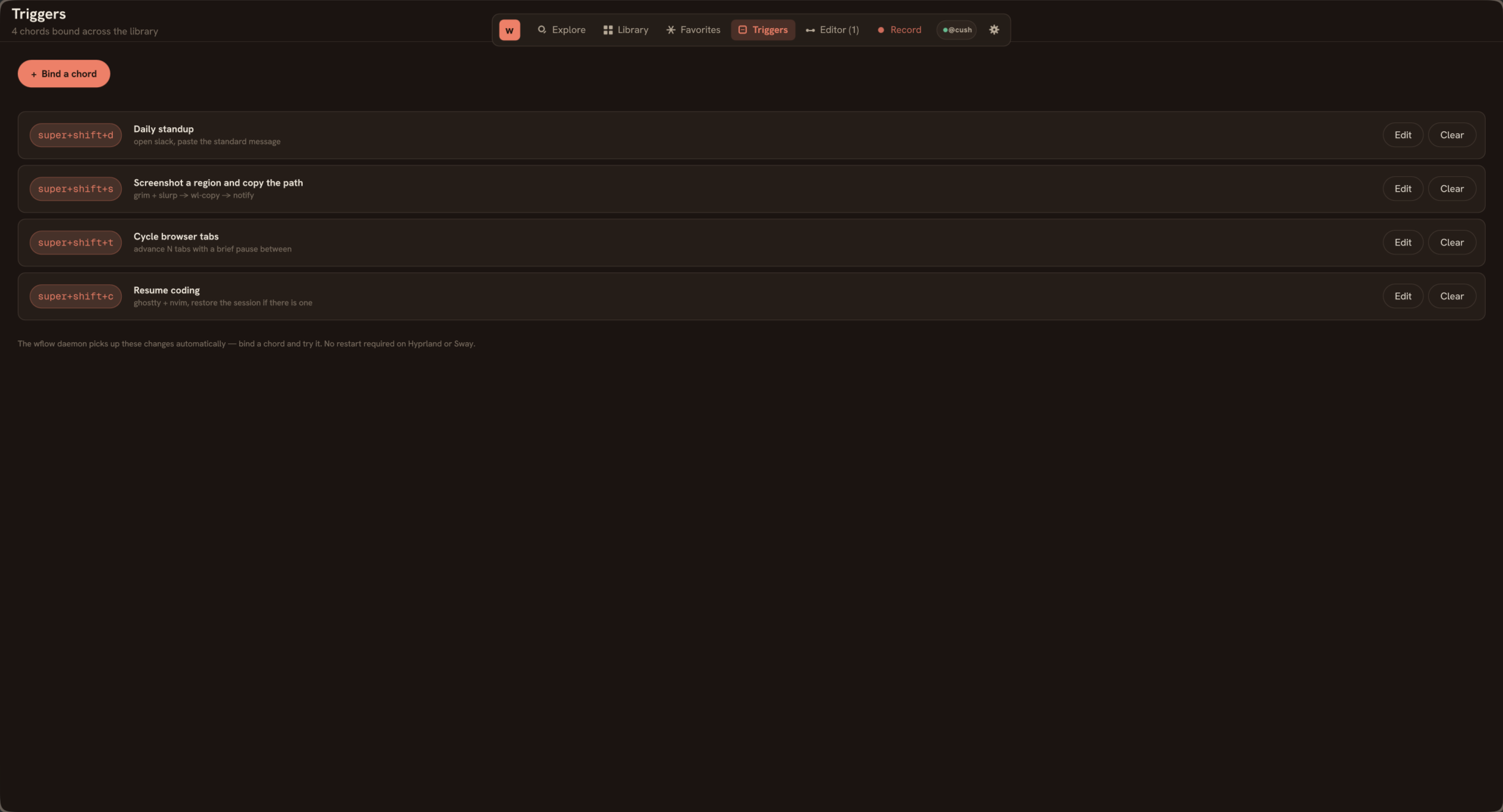
A trigger binds a workflow to an external event. Today wflow ships one trigger kind, chord, plus an on-demand mode for workflows you fire from the GUI. Each workflow declares at most one chord inside a single trigger block at the top.
Chord (global hotkey)
A keyboard combo that fires the workflow regardless of which app is focused. The daemon handles binding, it picks the GlobalShortcuts portal on Plasma 6 and GNOME 46+, and falls back to compositor IPC on Hyprland and Sway.
trigger {
    chord "super+alt+f"
}
Modifiers are super, ctrl, alt, shift. Aliases like cmd, win, option normalise on parse, so chords pasted from a Mac keyboard config still work. Key names follow X11 keysyms: Return, Escape, Tab, space, single letters, function keys (F1 through F24), digits, Page_Up / Page_Down, etc.
Chords are global, they fire even if you have a different app focused. If your compositor or another app has already grabbed the same combo, wflow won't see the keypress. Bind a different chord, or unbind the conflict in your compositor first. wflow doctor reports which backend the daemon will use; the daemon's own log (journalctl --user -u wflow-daemon) tells you whether each chord registered.
Window gating with when
Add a when sub-block inside trigger to scope the binding to a specific window. The chord still registers globally (Wayland doesn't expose per-window hotkey grabs), but the daemon checks the active window before dispatching the workflow.
trigger {
    chord "super+t"
    when window-class="firefox"
}

trigger {
    chord "ctrl+alt+s"
    when window-title="Slack"
}
Useful when you want to overlay a wflow chord on top of an existing app shortcut without breaking the app's normal use. Both predicates are case-insensitive substring matches. Pick one, window-class matches the Wayland app-id (or X11 WM_CLASS), window-title matches the title bar text.
On-demand (no trigger block)
Omit the trigger block entirely. The workflow doesn't bind to anything; it runs only when you click Run on its card in the GUI, or when you call wflow run <id> from the shell. Useful for workflows you fire occasionally and don't want a chord for, and for workflows where the trigger is "another process kicked it off."
workflow "End-of-week wrap" {
    // No trigger block. Runs from the GUI or CLI only.

    shell "git log --since='1 week ago' --oneline" as=summary
    type "{{summary}}"
}
Limits
- One chord per workflow.
- Two workflows binding the same chord conflict at daemon startup; the second registration logs a warning and is dropped. Use the GUI's Triggers tab to spot conflicts.
- Window gating only checks the active window at fire time. The workflow runs to completion regardless of focus changes during execution.
What's not in 1.0
- Hotstrings (text expansion: typing
;sigexpands to your signature) parse in the KDL but the daemon doesn't fire them yet. Expect them in a later release once the global keyboard monitor lands. - File-watch and schedule triggers. Cleanly fall out of the daemon shape but aren't a 1.0 priority.